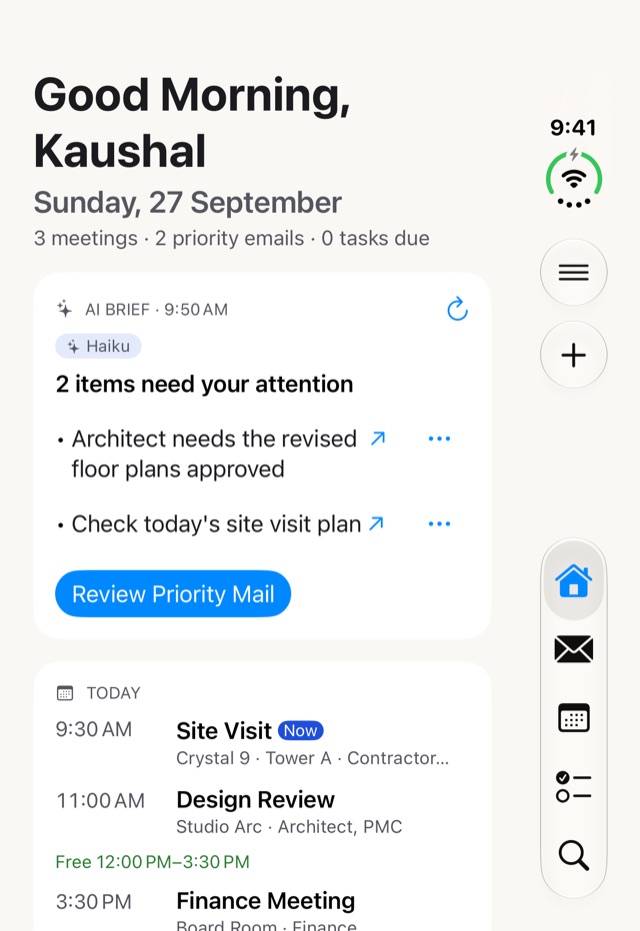
Your day, on one screen
Home opens with what matters this morning: today's meetings and the free time between them, the emails that are actually waiting on you, tasks due soon, and a short brief written by AI from your own mail — each line links back to the email it came from.


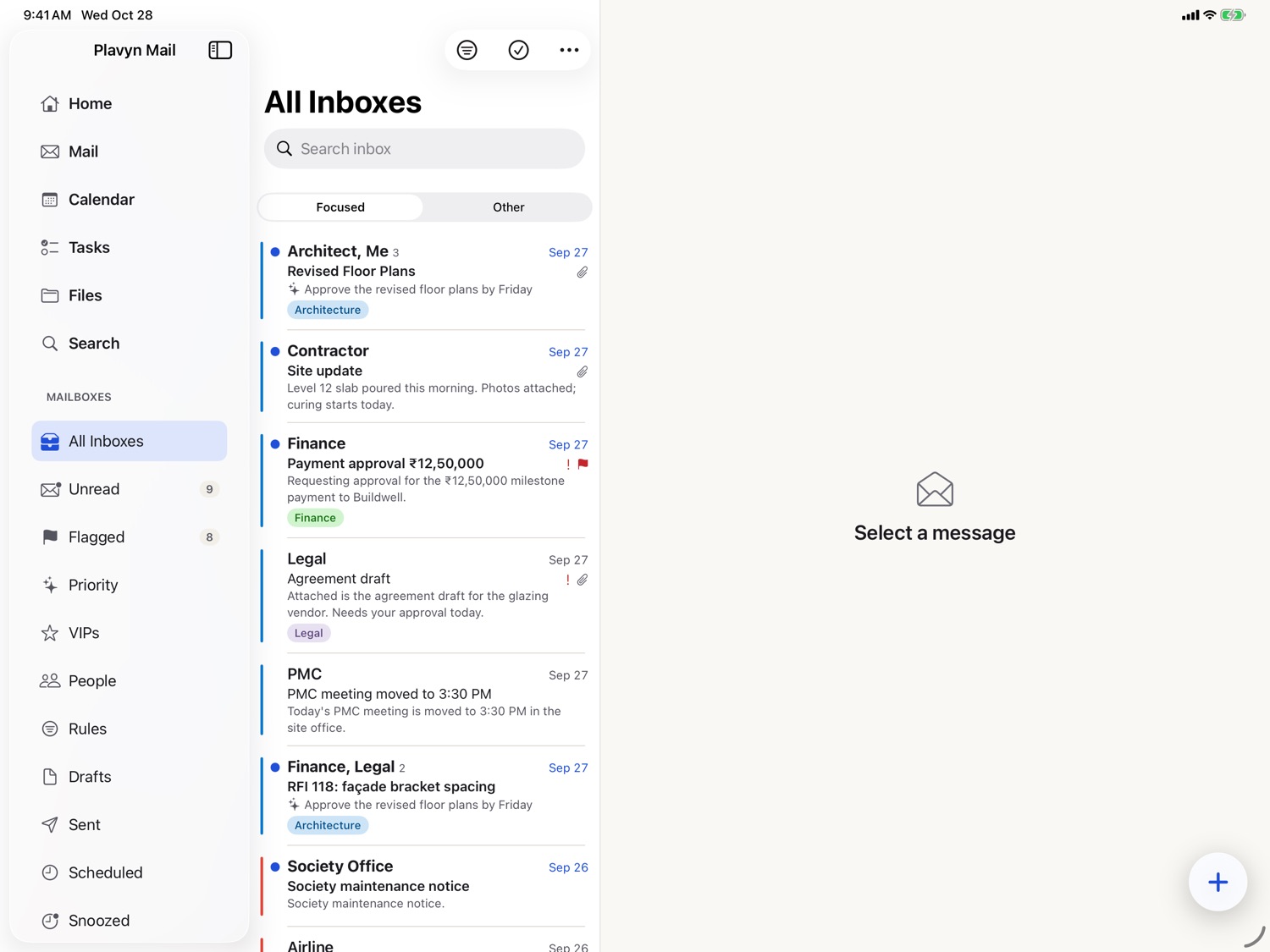
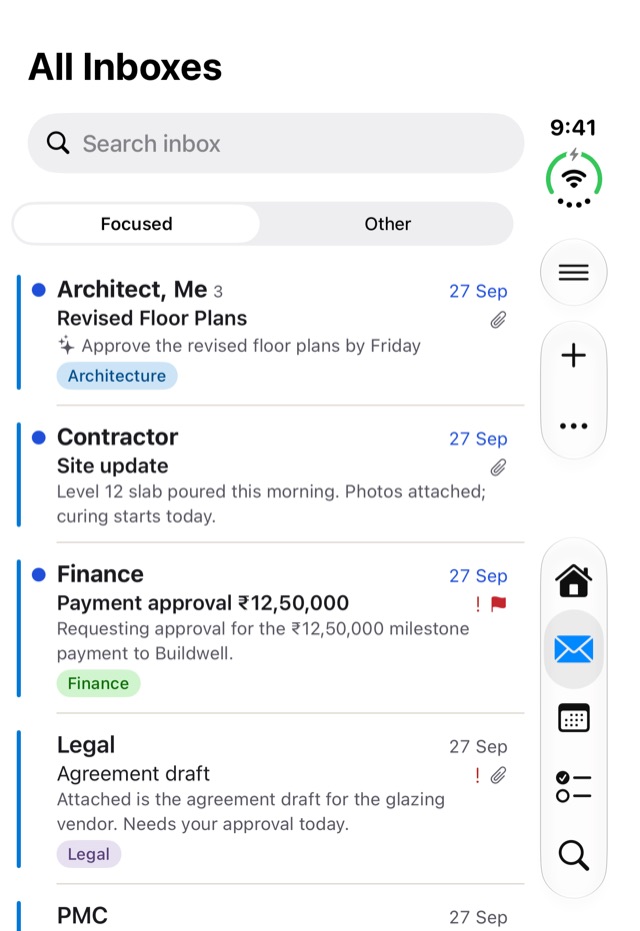
Every inbox together
Work and personal accounts in one list, with a one-line TL;DR under the messages that need you, and the colours, folders and categories you already use. Swipe to archive, flag or snooze; everything works offline and catches up when you are back.

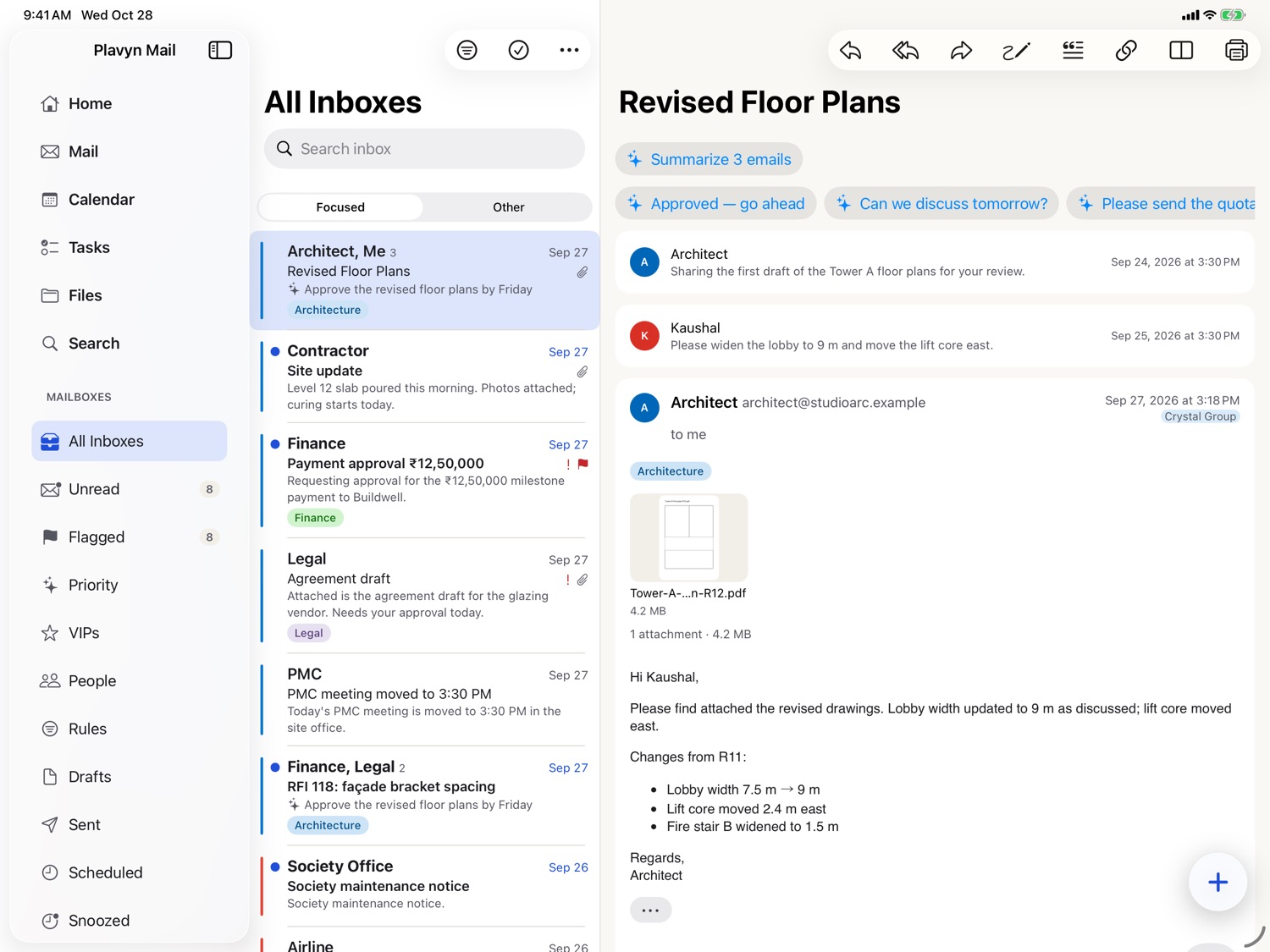
Read the whole conversation at once
A thread reads top to bottom with quoted text tucked away, attachments in line, and a summary of the asks, dates and amounts when a conversation runs long. Remote images and trackers stay blocked until you choose.
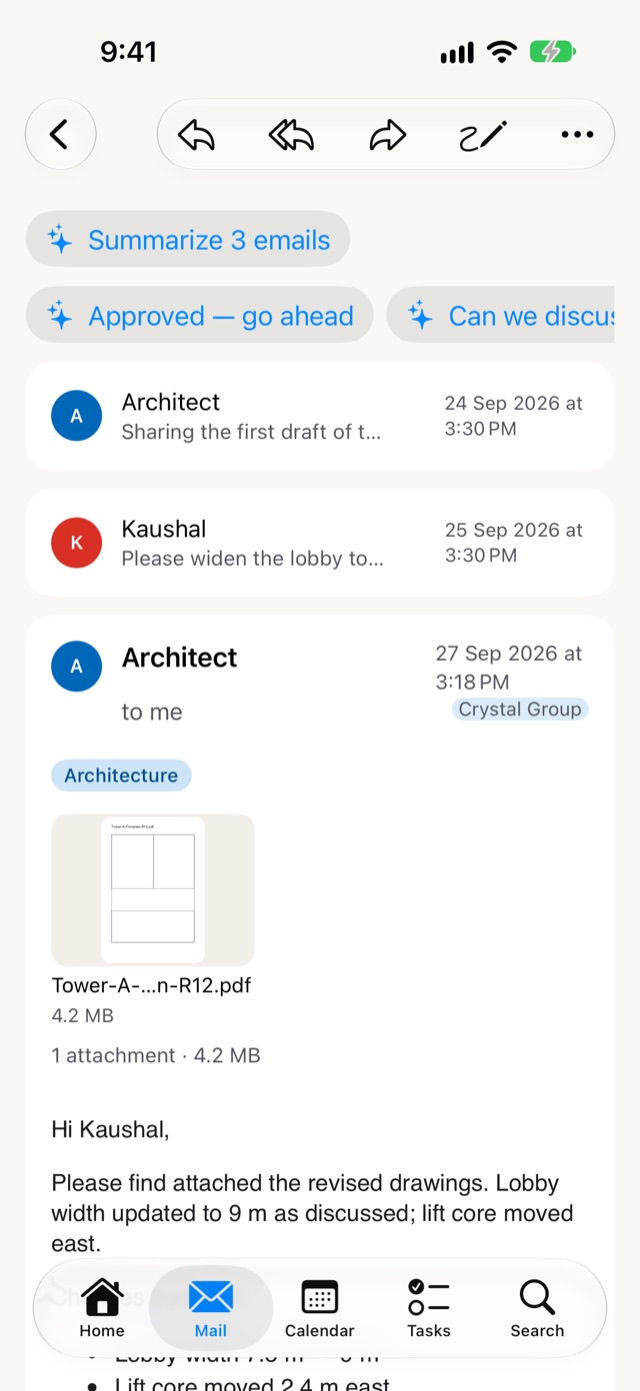
Reply in your own handwriting
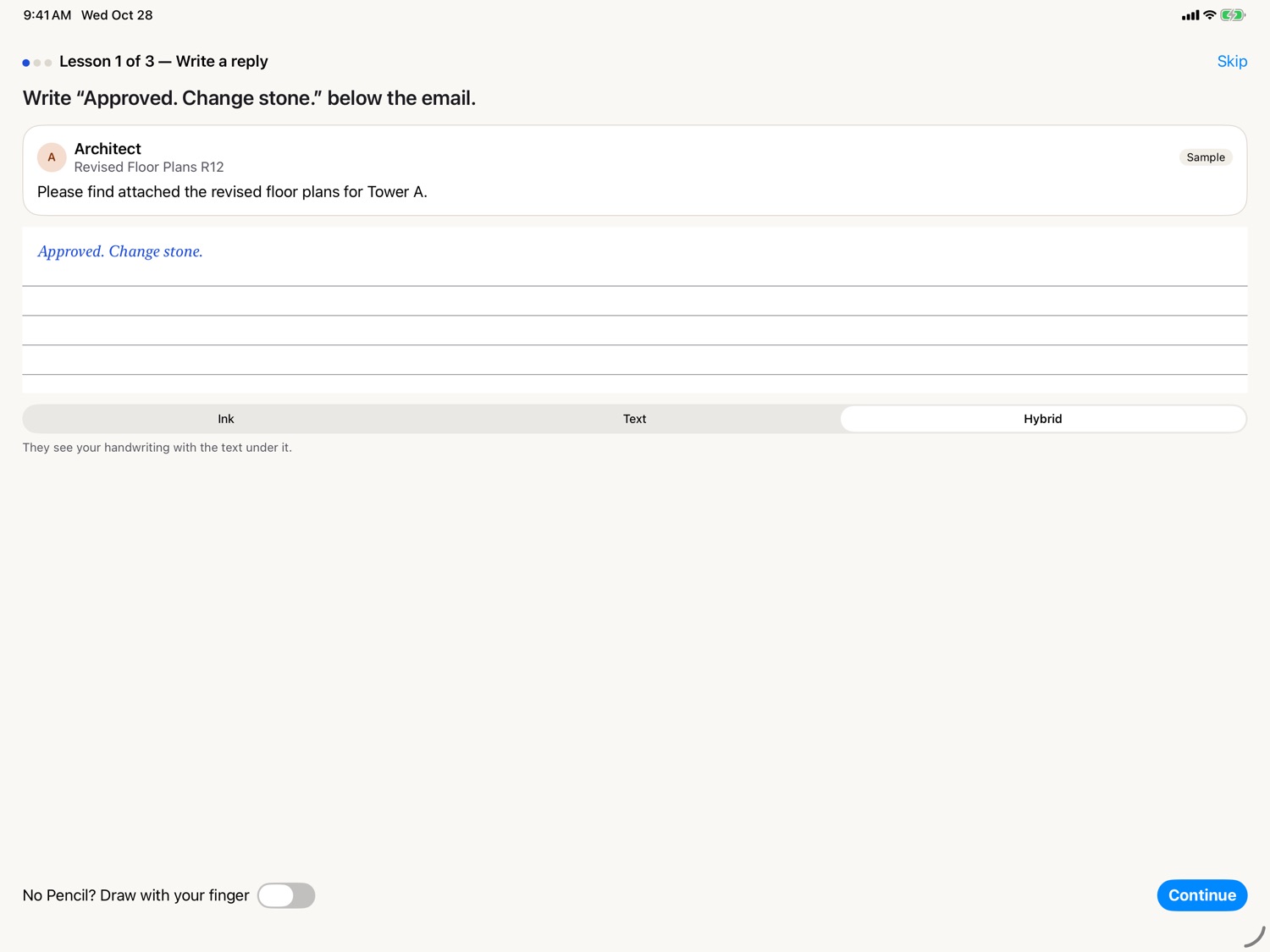
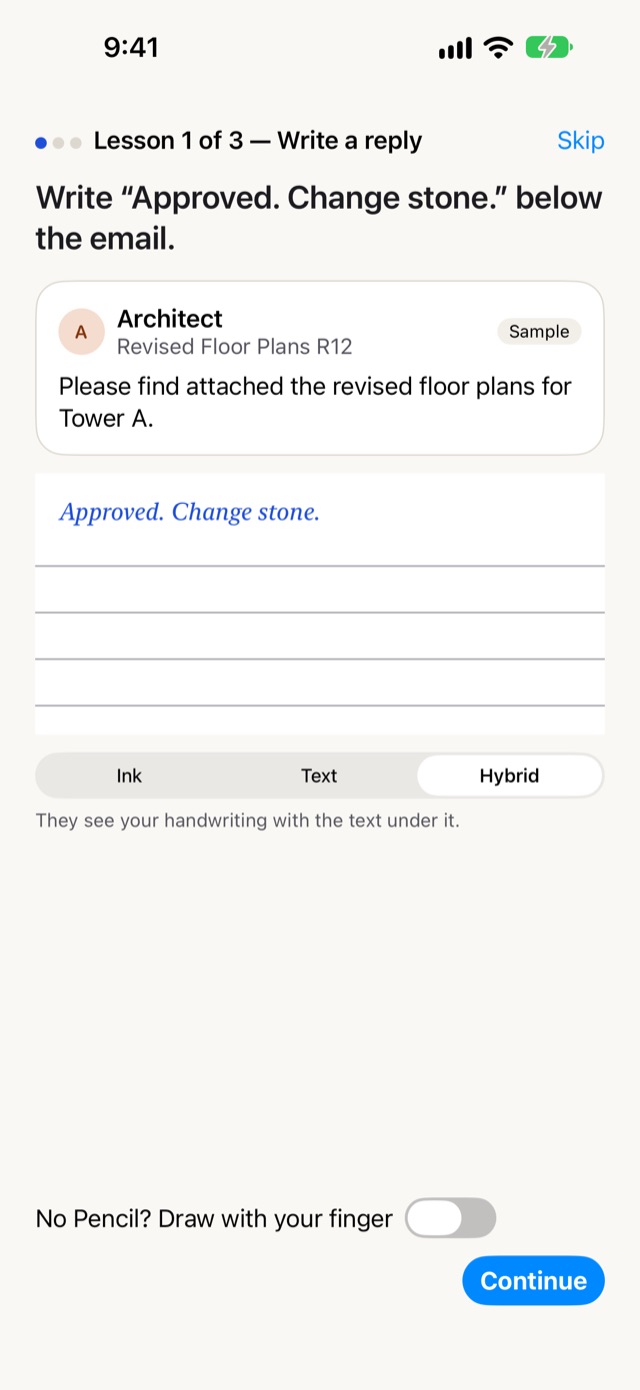
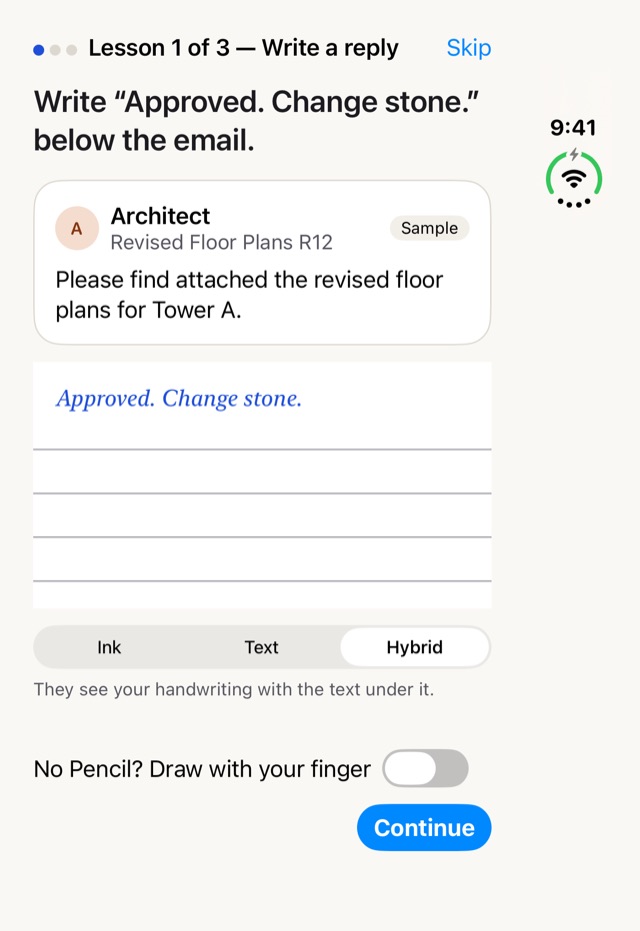
Pick up Apple Pencil and write. Send it as handwriting, convert it to text, or both — the recipient always gets a readable email, with alt text for screen readers. On iPhone, write with your finger.
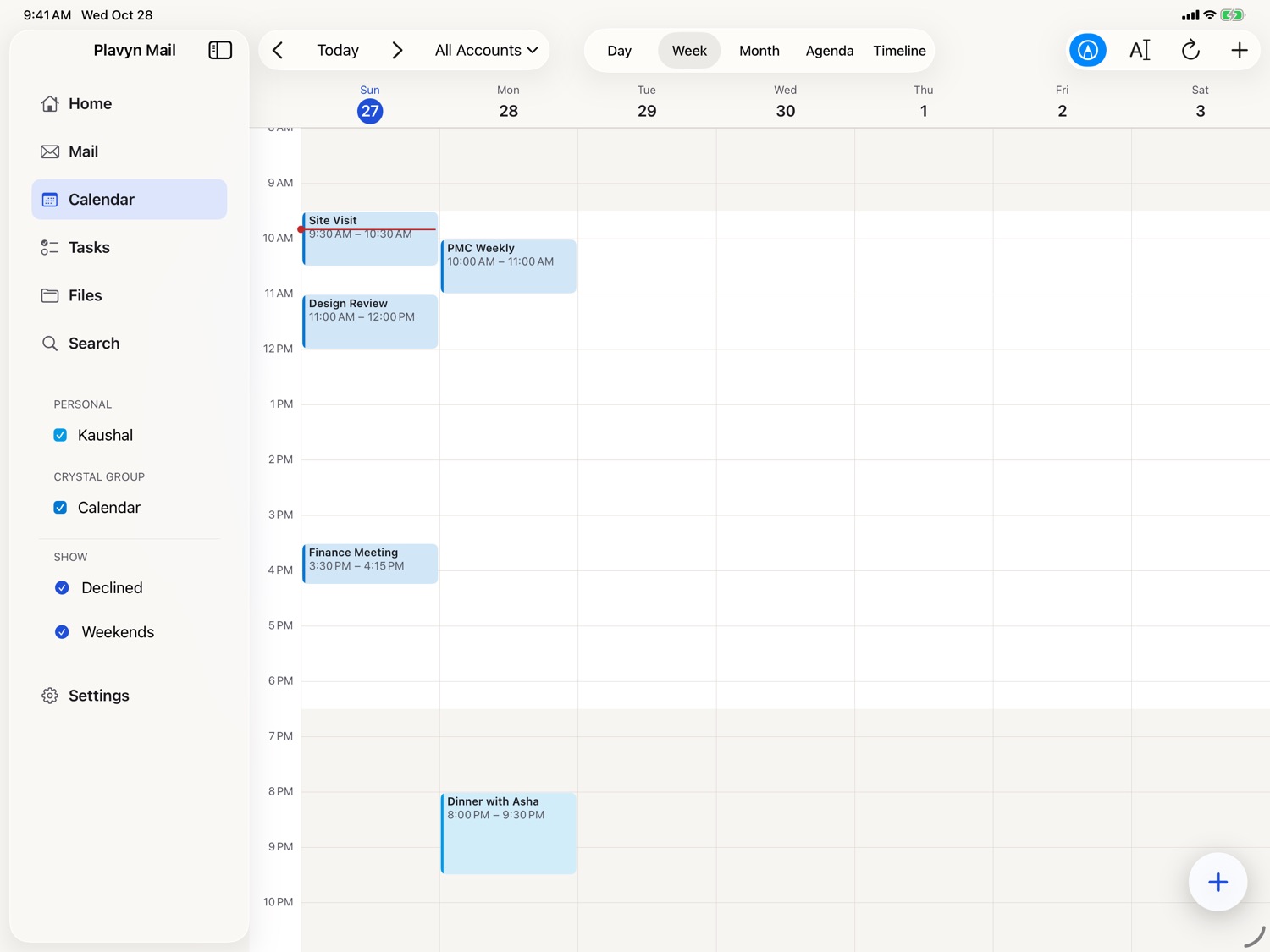
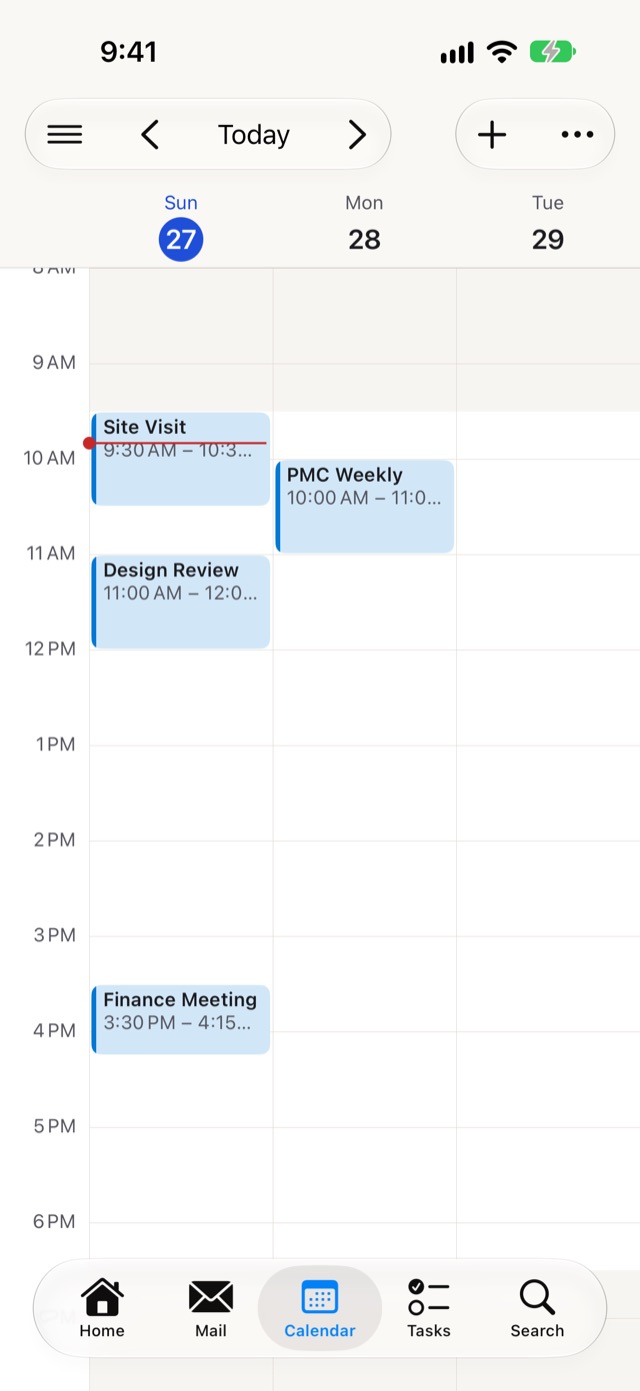
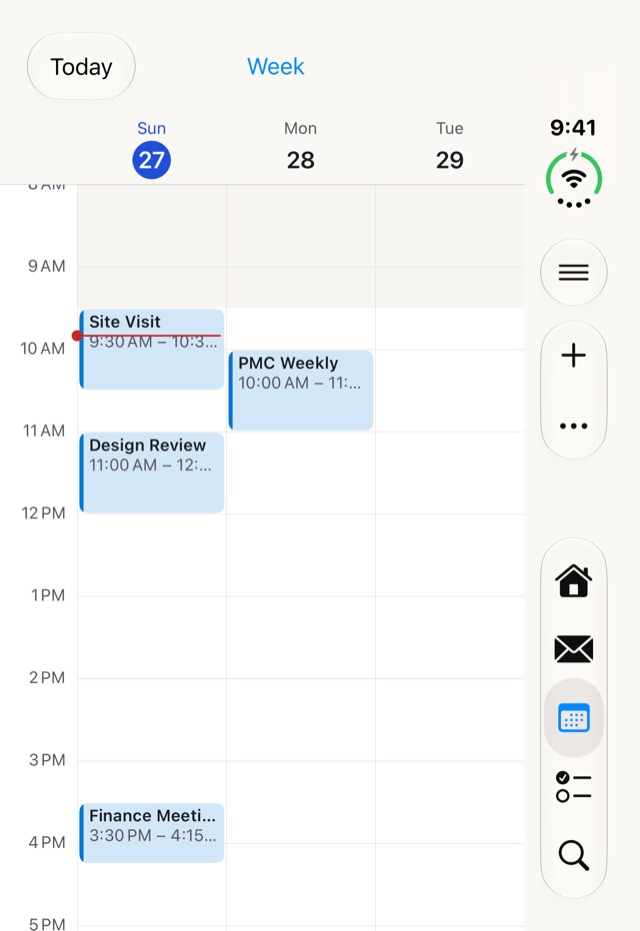
Calendar that knows your mail
Day, week and month views with free/busy for meeting invites. Circle a date in an email or write "Thu 3pm site visit" and Plavyn Mail proposes the event; nothing is created until you tap.
Tasks and notes as pages
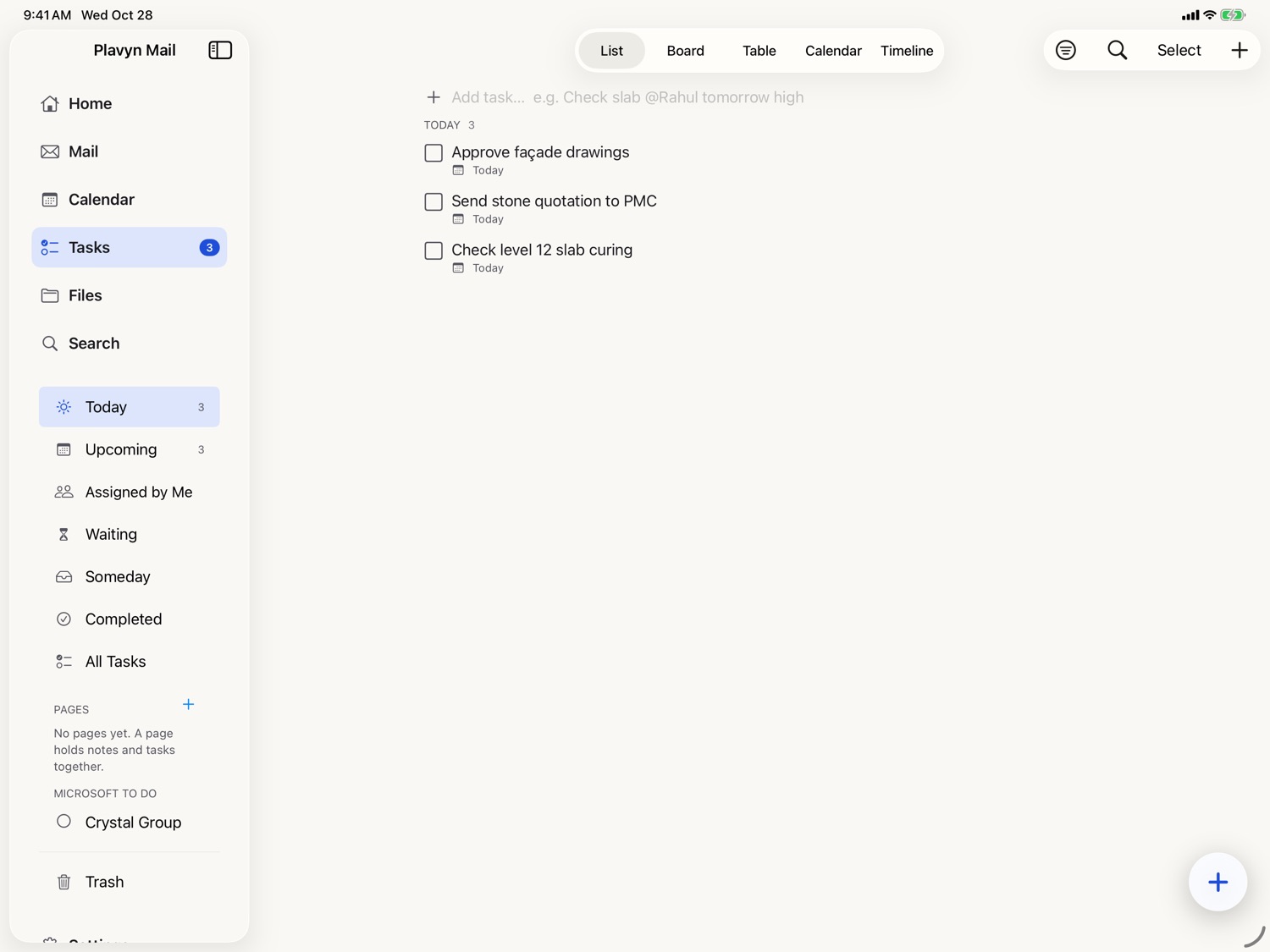
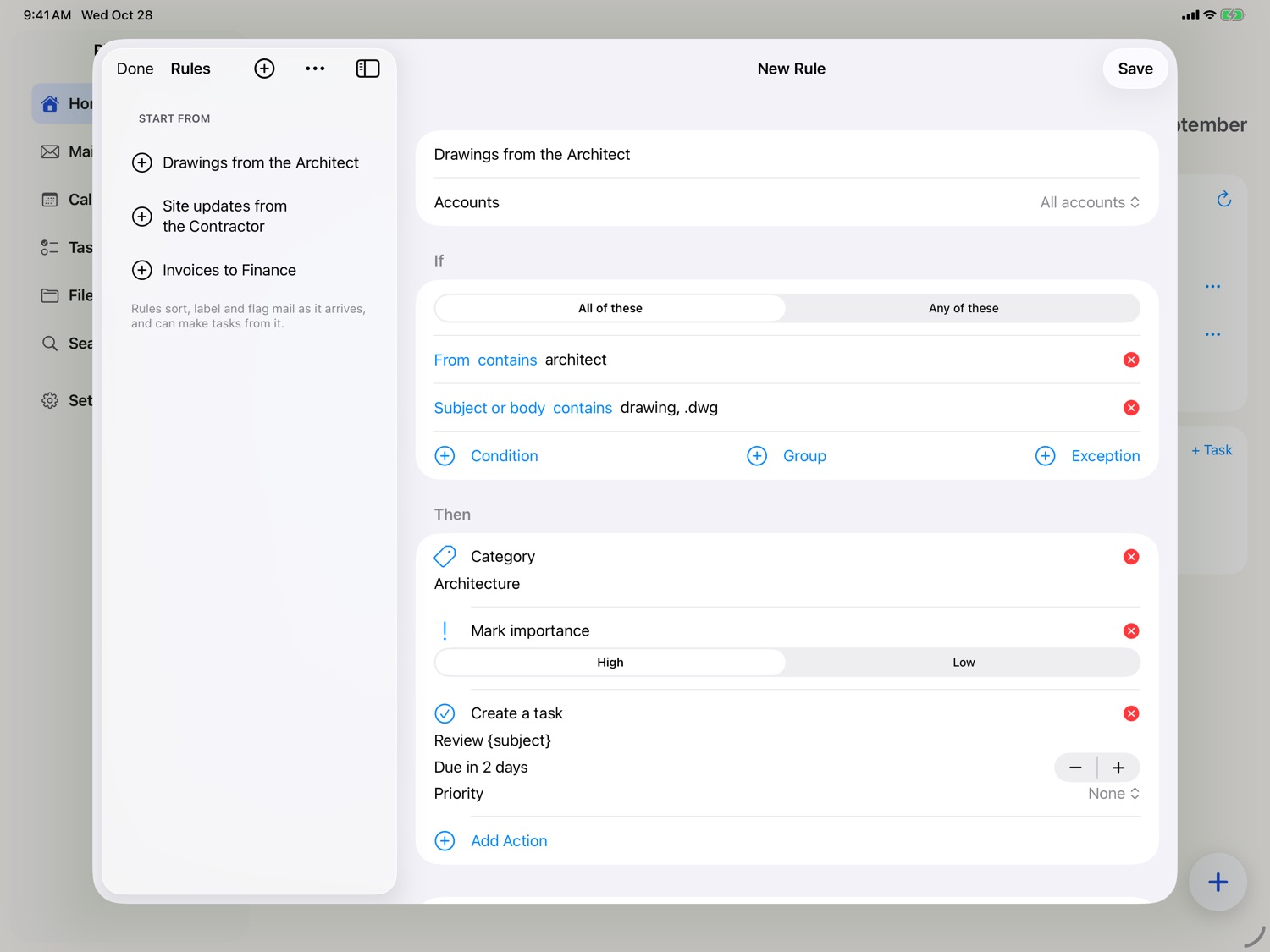
Turn an email into a task, delegate it with a draft you review, or keep notes as pages beside the email they came from. Links run both ways, so you can always jump back to the source.
Search everything, instantly
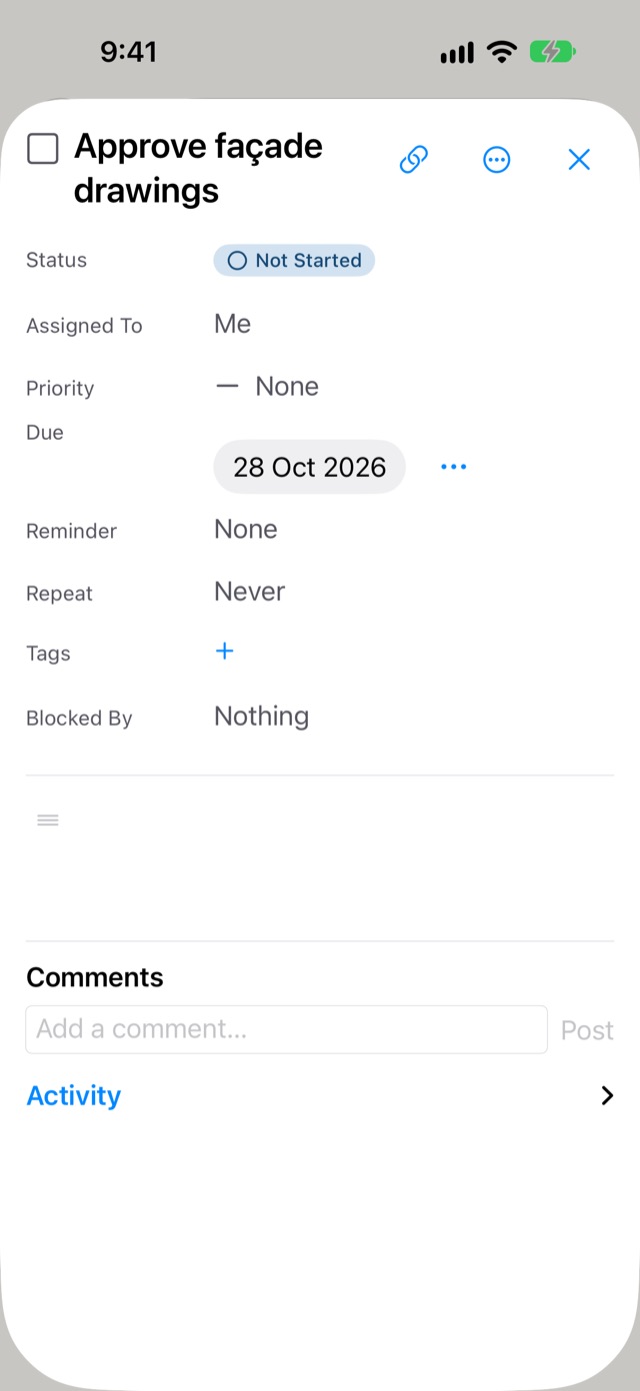
One search across mail, attachments, events, tasks, pages, people and your handwriting — on the device, in milliseconds. Save a search and it appears in Mail.

Rules that run while you sleep
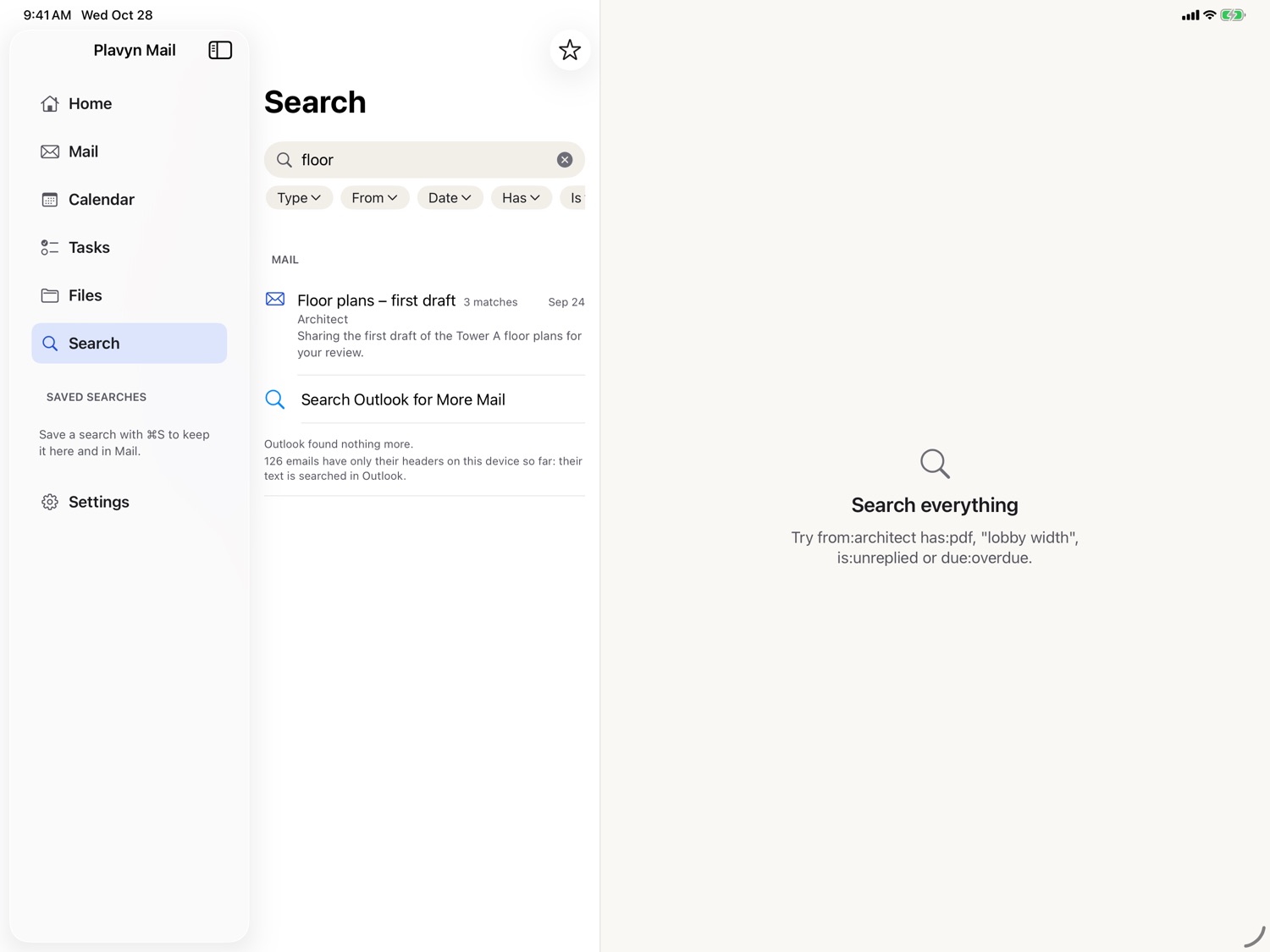
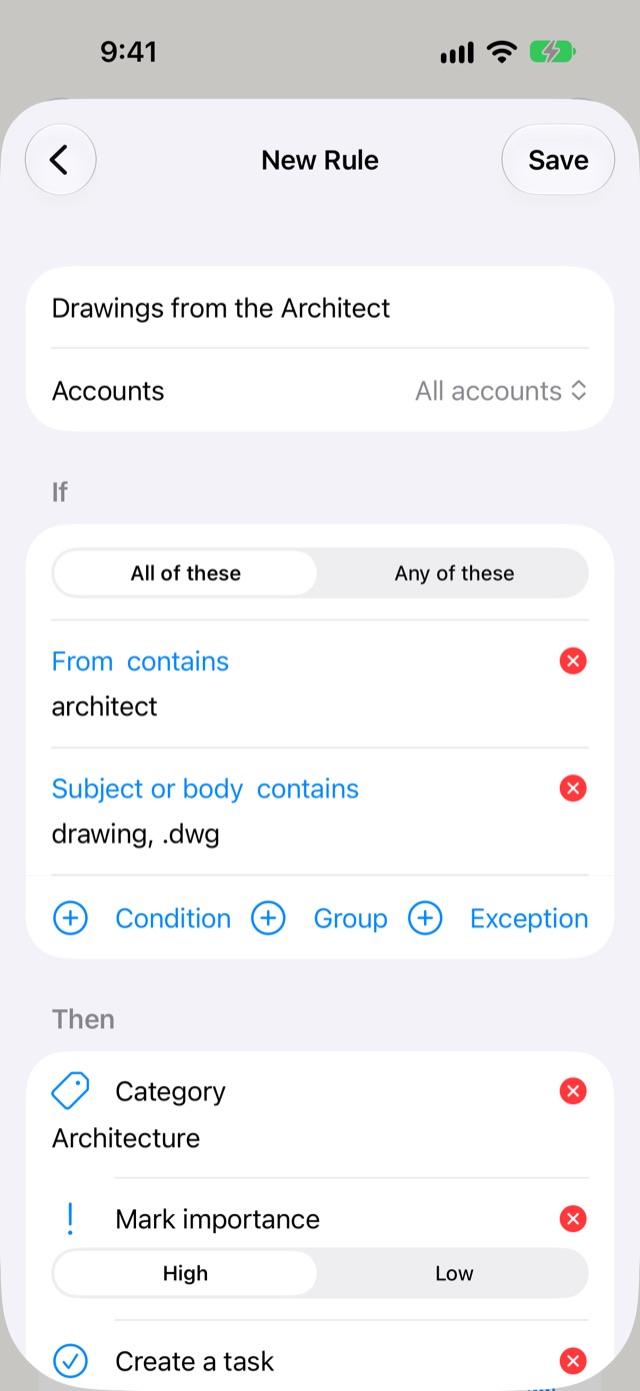
File, flag, categorise and forward mail as it arrives, from templates or your own conditions. Forwarding always lists its recipients before you save, and nothing is ever deleted for good.
Private by design
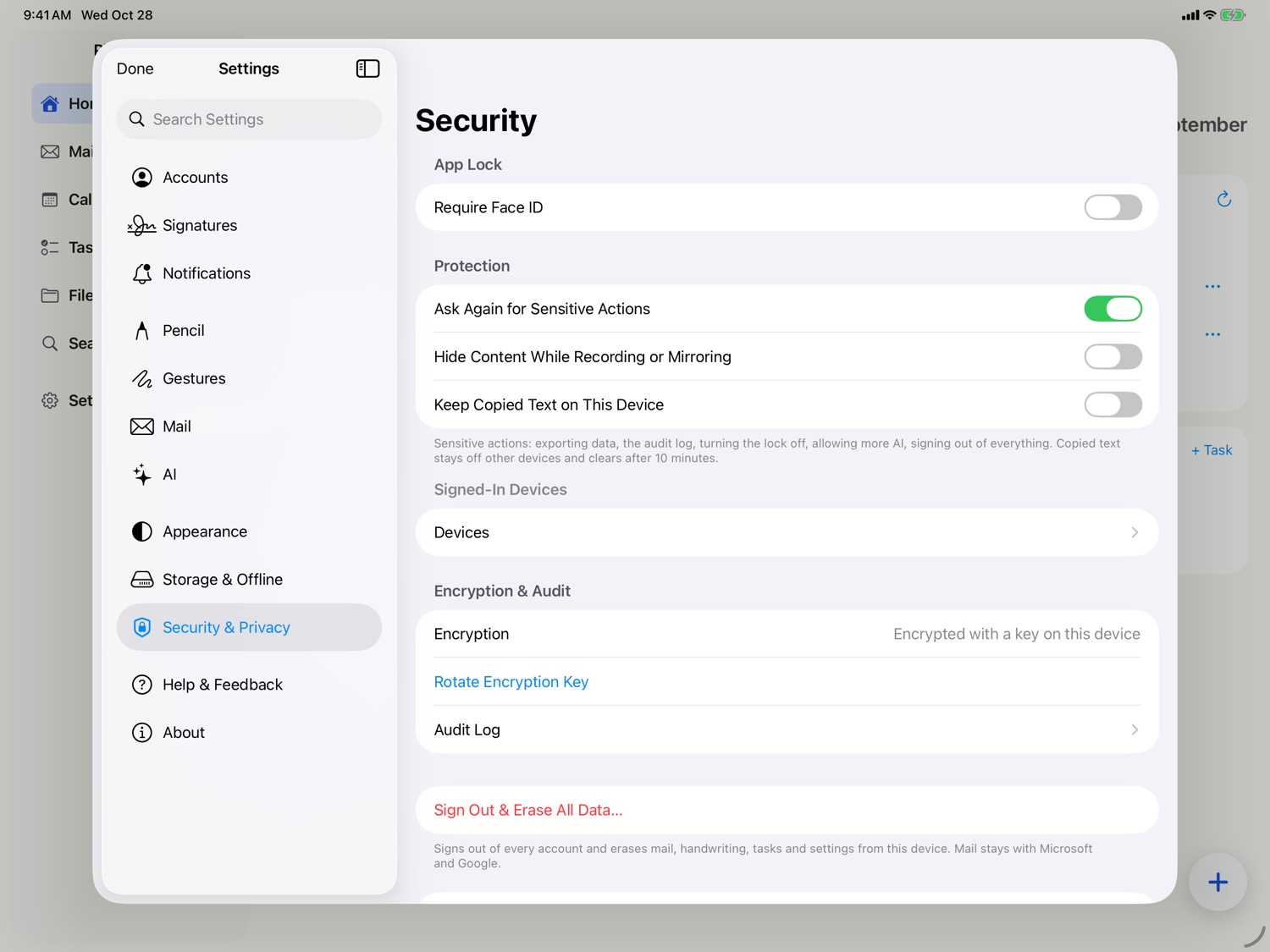
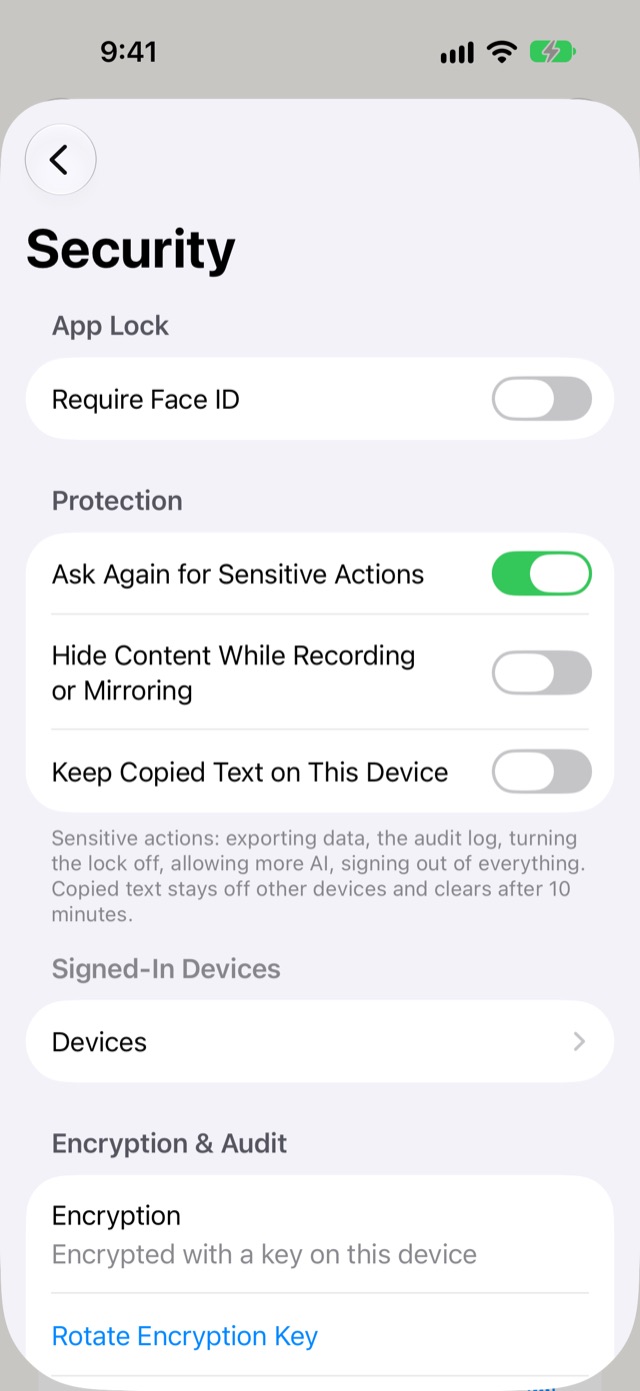
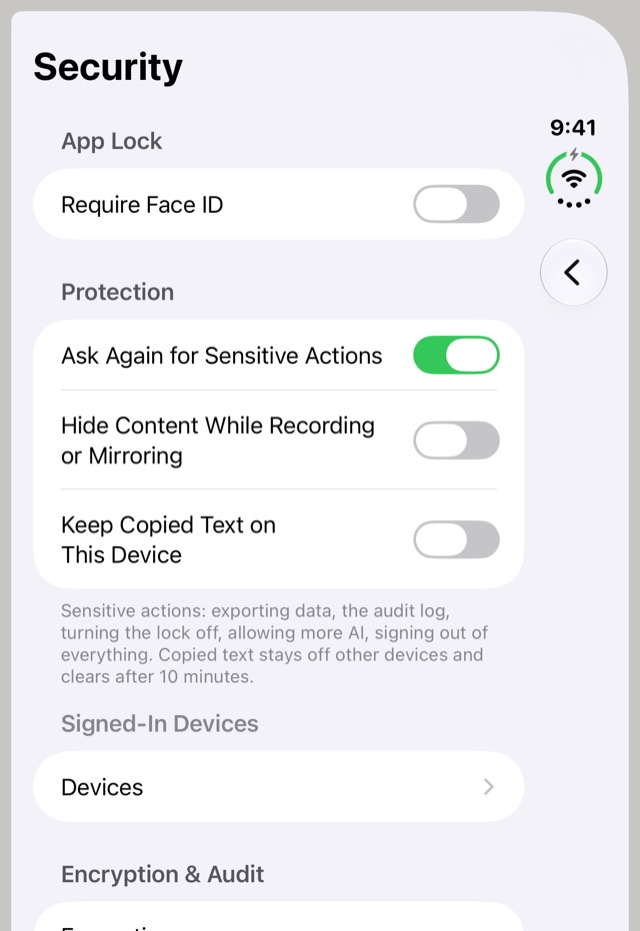
Your mail stays on your device, in an encrypted database whose key is protected by the Secure Enclave. Lock the app with Face ID, hide previews in the app switcher, see every device signed in, and erase everything in one step.
And everything around it
The smaller things that make a mail app you can trust.
- Your accountsMicrosoft 365 and Outlook.com today, signed in with Microsoft — Plavyn Mail never sees your password. Other mail (iCloud, Zoho, Yahoo, Fastmail and your own domain) is in beta.
- AI on your own keySummaries, TL;DRs, suggested replies and the morning brief run on Claude with your own Anthropic key, so you see and control the cost. AI never sends anything on its own.
- Pencil gesturesScratch out to delete, circle to select, draw an arrow to link — and every gesture also has a button or menu.
- Drag to actDrag an email onto Calendar, Tasks or a page; every drop shows a preview first, with Undo.
- Extracts and linksPull a sentence out of an email onto a card, link it to a task or a page, and jump back to exactly where it came from.
- PeopleEvery person you write to, with your shared threads, meetings and files in one place.
- Notifications that waitAlerts for the mail that matters, quiet for newsletters, and reminders that arrive even offline.
- AccessibleVoiceOver reads handwriting aloud, every control has a label, and the layout follows your text size.
- Built for iPad, iPhone and iPhone DuoSidebars and side-by-side panes on iPad, a tab bar on iPhone, and full-height layouts on iPhone Duo.